Short answer: TikTok's sleep reminders and Instagram's sleep mode mute notifications and remind you to stop, but both apps still open. To actually block them at night, put TikTok and Instagram — and tiktok.com and instagram.com — on a schedule that turns on before bed and off in the morning, in Circuit or in Screen Time.
What TikTok and Instagram's own night settings do
They are worth turning on — fewer notifications at night is good on its own. They just aren't blocks.
TikTok — sleep reminders. Profile → Menu ☰ → Settings and privacy → Time and well-being → Screen time, then turn on Sleep hours. TikTok mutes push notifications once your sleep time begins and shows an in-app reminder to consider a break. Its daily screen time limit works similarly: at the limit you can close TikTok or enter an on-screen passcode to return.
Instagram — sleep mode. Profile → Menu → Time management (under Settings and activity) → Sleep mode, then choose the days and hours. It pauses notifications, auto-replies to messages and reminds you to close the app — but, in Instagram's own words, for most people you can still use Instagram. Teen Accounts get sleep mode from 10PM to 7AM by default.
A reminder asks at the hour you have the least left to answer with. That is the case for a block you set up in the afternoon.
Block them at night with Circuit
- In Circuit, create a schedule called Sleep. In Apple's picker, choose TikTok and Instagram — or the whole Social category — and add tiktok.com and instagram.com as websites, so Safari isn't the way around it.
- Set the hours, for example 23:00–07:00, and the days. It runs every night by itself and switches off in the morning.
- If you know you'd turn it off in bed, turn on Strict Mode (Pro) for the schedule: no early exit. Otherwise, ending the block early asks for a breath, a wait or a typed sentence first — often enough at 1am.
- Leave Messages, Maps and anything you need at night unblocked, or add it to Always Allowed.
- Optional: start Circuit's rain or brown noise as the block begins, so there's something to do other than reach for the phone.
One schedule is free, so a TikTok-and-Instagram bedtime block costs nothing. Pro adds more schedules, Strict Mode and daily limits.
Block them at night with Screen Time
On iOS 27: Settings → Screen Time → Screen Time Schedule, turn on Schedule, and add a night time window. Each window lists the Time Allowance categories available during it; leave Social Media out of your night window. Apple notes Time Allowances also cover an app's declared website.
On iOS 26 and earlier: Downtime is the tool — Settings → Screen Time → Downtime → Scheduled, set the hours, then set a Screen Time passcode and turn on Block at Downtime, or Downtime is just a reminder. Two catches: Downtime blocks every app that isn't Always Allowed, not only TikTok and Instagram; and App Limits can't do "only at night", because they're a daily budget, not a time of day. Every Screen Time setting, step by step.
Which to use
- You want everything off at night → Screen Time, with a passcode someone else sets. Free.
- You want only TikTok and Instagram off, with the rest of the phone working → a Circuit schedule.
- You switch blocks off in bed → Circuit with Strict Mode.
More on the same problem: how to block apps at night, how to block TikTok and how to block Instagram at any hour.
Get Circuit — a bedtime block for TikTok and Instagram is free.
Questions people ask
How do I block TikTok at night on iPhone?
Put TikTok on a schedule that blocks it overnight. In Circuit, create a schedule such as Sleep 23:00–07:00, add TikTok (and tiktok.com, so Safari isn't a way around it), and turn on Strict Mode if you tend to switch blocks off in bed. With Screen Time, use a Screen Time Schedule on iOS 27, or Downtime with Block at Downtime and a passcode on iOS 26 and earlier.
Does TikTok's sleep reminder block the app?
No. According to TikTok's Help Center, sleep reminders mute push notifications once your sleep time begins and show an in-app reminder to consider taking a break. The app still opens.
Does Instagram's sleep mode stop me using Instagram?
For most accounts, no. Instagram's Help Center says sleep mode pauses notifications, auto-replies to messages and shows a reminder to close the app, but you can still use Instagram. Teen Accounts are put in sleep mode from 10PM to 7AM by default, and a parent or guardian can choose to block Instagram during it.
Can I block only TikTok and Instagram at night, not every app?
Yes, with an app blocker: a Circuit schedule blocks only the apps you pick. Screen Time's Downtime on iOS 26 and earlier blocks everything except Always Allowed apps, and App Limits are a daily budget rather than a time of day. On iOS 27, a Screen Time Schedule sets which app categories are available in each time window.
Will I still get calls and alarms?
Yes. Blocking apps doesn't affect phone calls or the Clock app's alarms, and in Circuit you choose exactly which apps are blocked.
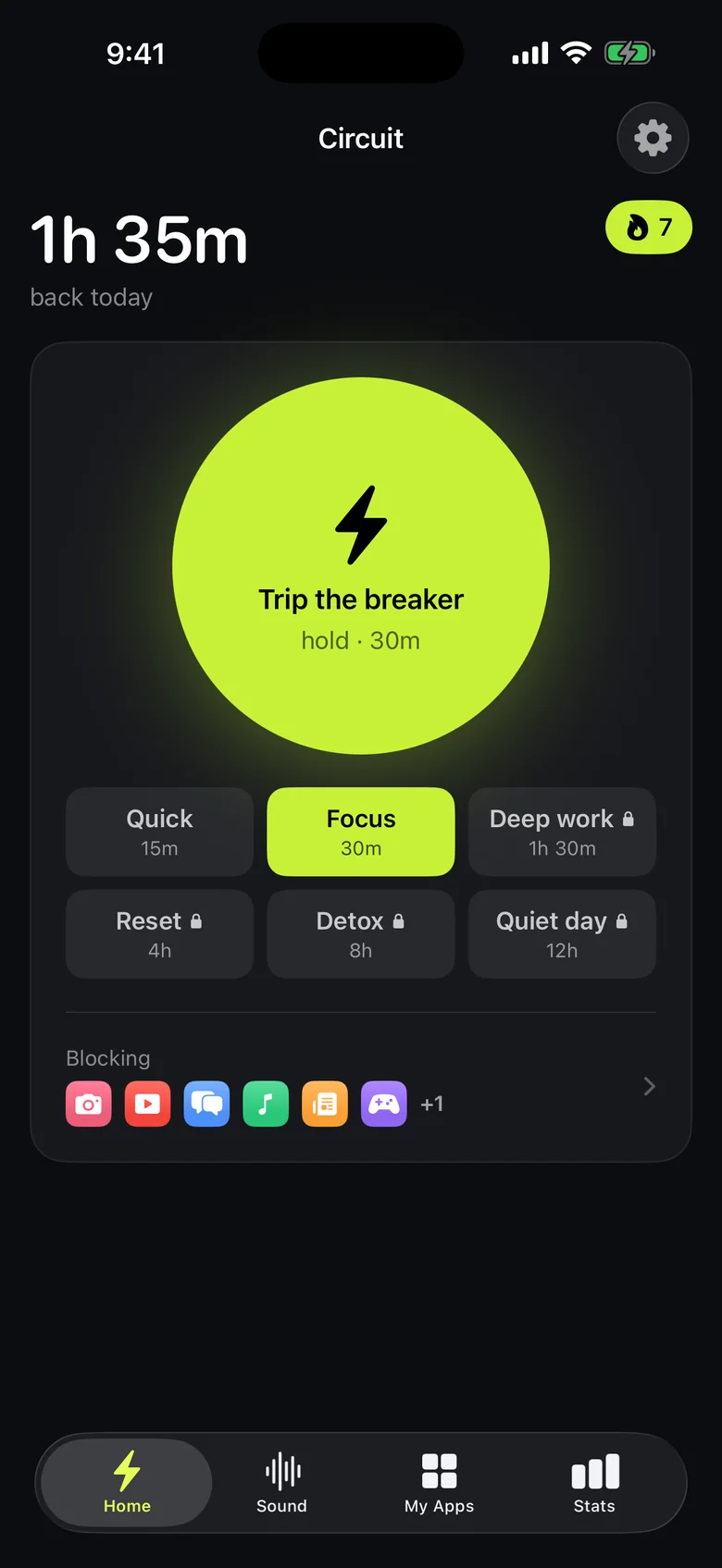
Ready to trip the breaker?
Free includes one schedule and the Breaker up to 30 minutes.