Help
Help
Circuit is a self-control tool for the person holding the phone. It doesn't monitor anyone else, and there's no separate mode for that.
How to block an app
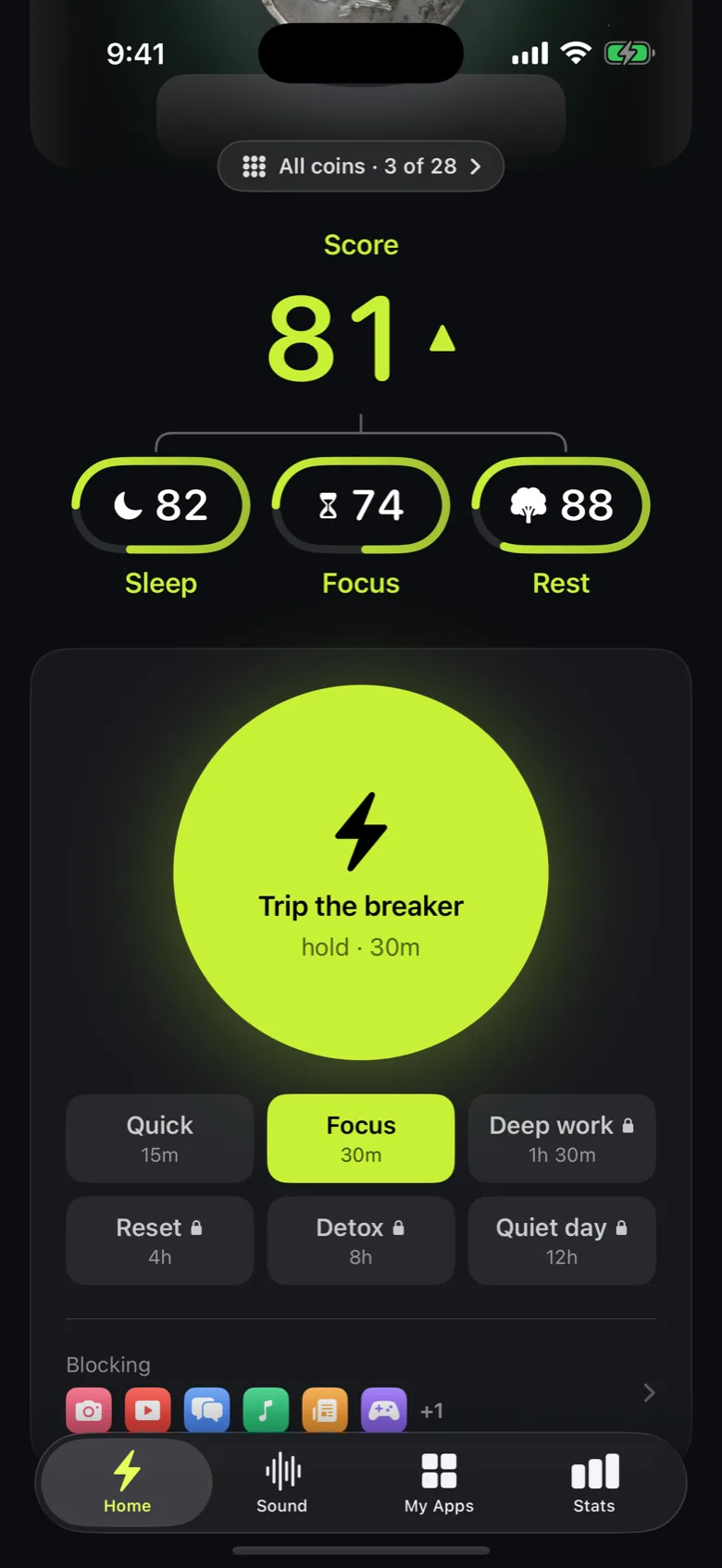
Open Circuit, pick the apps, categories or websites you want to limit with the system app picker, then choose how: hold the Breaker for an immediate block, or set up a Circuit — a named schedule that repeats on its own.
How to set a schedule
A Circuit is a named block on a repeating schedule — for example "Study 6PM–9PM on weekdays" or "Sleep 10:30PM–7AM every day". Once it's set up, it turns on and off by itself; there's nothing to remember each day.
How Strict Mode works
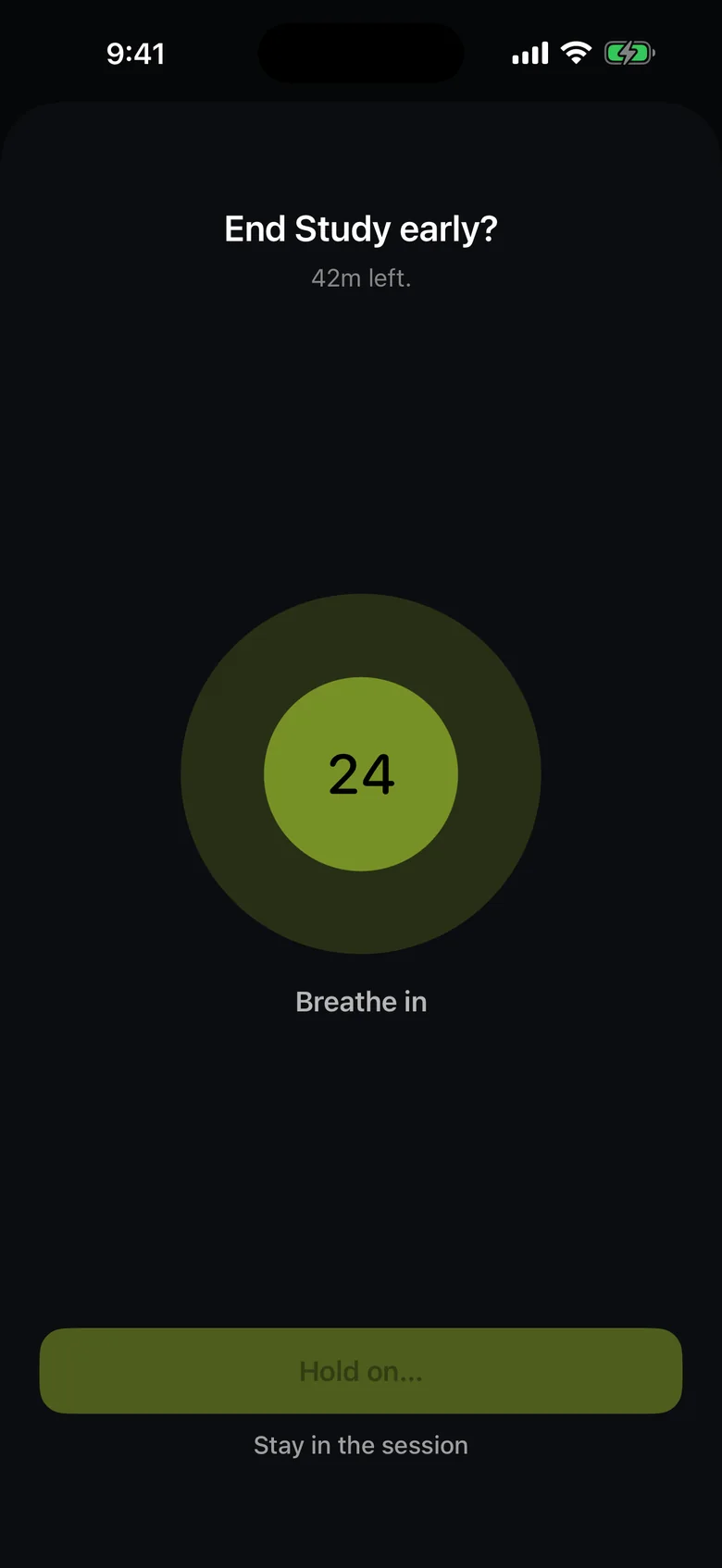
A normal session lets you end it early. A Strict Mode session deliberately has no early exit — that's the point of it. Turn it on only for a block you actually want to be stuck with.
Blocking stopped working
Nearly always Screen Time access: iOS revokes it when the device is added to someone else's Family Sharing group, and it doesn't survive every restore. Open Circuit — if Home shows the Turn on Screen Time access card, tap it and allow the prompt. Blocking is executed by iOS, not by Circuit, so schedules keep running even when the app is closed or force-quit.
I'm locked out and need my apps back
Open Circuit and end the session — a normal session lets you out after the friction you chose. A Strict Mode session has no early exit by design, and deleting Circuit removes both the app and the blocks it was enforcing.
Subscriptions
Circuit Pro is managed by Apple, not by us: iOS Settings → your name → Subscriptions, or apps.apple.com/account/subscriptions, to change or cancel it. Restore purchases lives in Circuit's Settings. One subscription covers a Family Sharing group; whoever bought it is the only person who can cancel it. Refunds are Apple's to give — reportaproblem.apple.com.
Deleting your data
Settings → Delete all Circuit data erases circuits, sessions, limits and stats immediately, and lifts any block in force. Settings → Analytics stops any further anonymous usage counts from being sent. Full detail is in the Privacy Policy.
Still stuck?
Email team@getmegabrain.com. Tell us your device and iOS version, and what you expected to happen — that's usually enough to answer in one reply.