Short answer: put the apps that keep you up on a schedule that turns on before bed and off in the morning. Screen Time's Downtime does this for free; Circuit does it per app group, with a block you can't dismiss at 1am.
Why nights are the hardest hours
At the end of the day there's the least willpower left and the least reason to stop — nothing is waiting except sleep. That's when "five more minutes" wins. A block decided at 3pm, when you're thinking clearly, is the one that holds at midnight.
With Circuit
- Create a schedule called Sleep and pick the apps that keep you up — usually social, video and news. Leave messages, maps and anything you need at night off the list.
- Set the hours, for example 22:30–07:00. Overnight schedules are fine; it runs every night without you starting it.
- If you tend to switch it off in bed, turn on Strict Mode (Pro) for the schedule. Otherwise, ending it early asks for a breath, a wait or a typed sentence first — often enough.
- Put on Circuit's rain or brown-noise sound as the block starts, so there's something to do other than scroll.
With Screen Time's Downtime
Settings → Screen Time → Downtime: set the hours, turn on blocking during Downtime, and choose the apps that are always allowed. It blocks everything else. Set a Screen Time passcode, or it can be ignored.
Get Circuit — one schedule is free, and a bedtime block is the one to start with.
Questions people ask
How do I block apps at night on iPhone?
Use a schedule that runs overnight. With Screen Time, set Downtime for your sleep hours and turn on blocking during Downtime. With Circuit, create a schedule such as Sleep 22:30–07:00 with the apps you want blocked; it turns on and off by itself every night.
Can I still get calls and alarms during a night block?
Yes. App blocking doesn't affect phone calls or the Clock app's alarms, and in Circuit you choose which apps are blocked, so anything you need at night stays available.
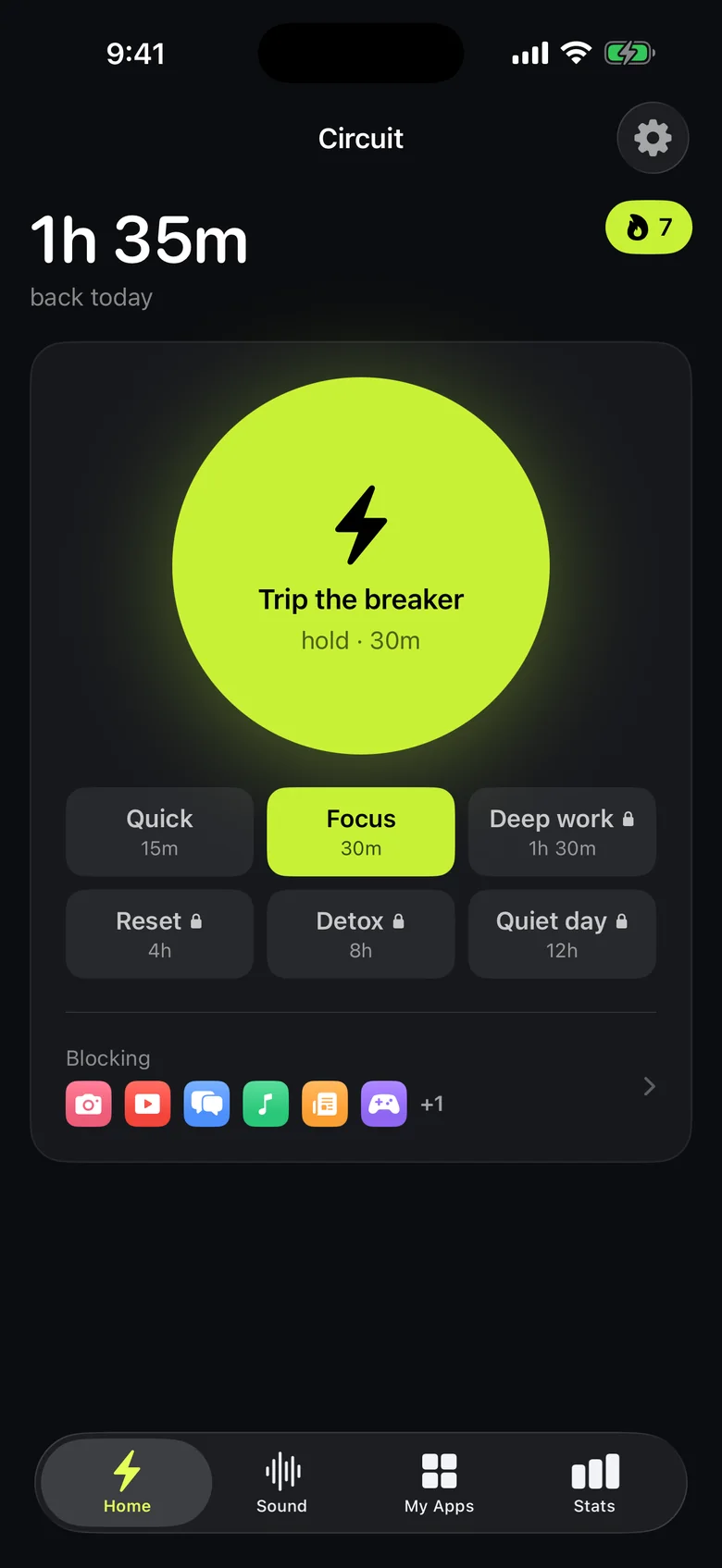
Ready to trip the breaker?
Free includes one schedule and the Breaker up to 30 minutes.