
Short answer: don't delete everything and go offline — it doesn't last. Make one change a day for a week, each one small enough to keep, and on day 7 keep what worked. The plan below uses your iPhone's own settings plus one app-blocking schedule.
The week
Day 1 — Measure
Open Settings → Screen Time and write down yesterday's total and the three apps at the top. That's your baseline; you'll compare against it on day 7.
Day 2 — Notifications
Turn off notifications for every social, video and shopping app. Keep calls, messages from people, and calendar. Most pick-ups start with a buzz.
Day 3 — Nights
Set a bedtime block for your top three apps, for example 22:30–07:00. In Circuit that's one schedule, free; it turns on by itself.
Day 4 — Mornings
Don't open a feed before you're dressed. Extend the bedtime block to 08:00 or later, so the morning starts without it.
Day 5 — Home Screen
Move the top three apps into the App Library. Leave tools on the Home Screen: maps, camera, notes, music.
Day 6 — One long block
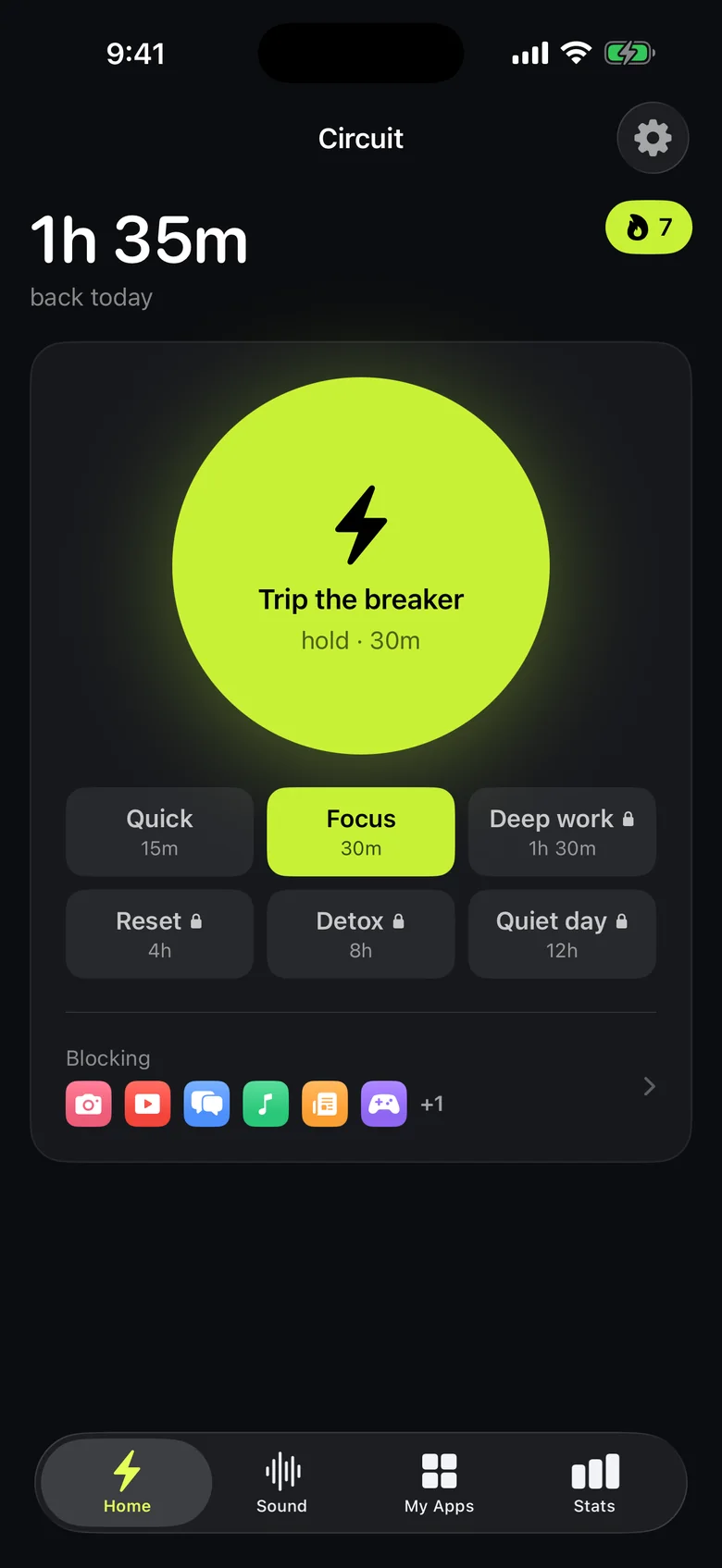
Pick a two- or three-hour stretch — a walk, a meal, a film, a book — and block the apps for all of it. Circuit's Breaker blocks up to 30 minutes free, longer with Pro; Screen Time's Downtime works too.
Day 7 — Compare
Check Screen Time against day 1. Keep the changes that made a difference and drop the rest. For most people the bedtime block is the keeper.
Why this works better than quitting
Quitting outright tests willpower every hour of the day; changing the setup tests it once, when you set it. Each step above removes a moment where you'd otherwise have to decide — which is why it still holds in week two.
If scrolling is the main problem, see how to stop doomscrolling; if it's nights, see how to block apps at night.
Get Circuit for days 3, 4 and 6 — the schedule and 30-minute blocks are free.
Questions people ask
How do I do a digital detox without deleting apps?
Change when the apps are available instead of whether they exist. Block them at the hours they cost you most, turn off their notifications and move them off the Home Screen. A week of one change a day is enough to feel the difference.
How long should a digital detox last?
A week is long enough to break the automatic reach for the phone and short enough to finish. What matters more is keeping the changes that worked afterwards, such as a bedtime block.
Ready to trip the breaker?
Free includes one schedule and the Breaker up to 30 minutes.