Short answer: stop relying on the moment you're scrolling to decide to stop. Change the setup instead: remove the apps from reach at the hours you scroll, add friction before the feed opens, and give yourself a stopping point the feed won't.
Why it happens
A feed has no bottom. There's no last post, no end of the episode, nothing that asks "done?" — and bad news holds attention better than good. Every one of those is a design choice, and each one can be countered with a design choice of your own.
Five changes that work
- Block the feed at your worst hours. For most people that's the last hour before bed and the first after waking. A schedule such as "22:00–08:00" in Circuit turns on by itself, so there's nothing to decide. How to set one up.
- Put a pause in front of the feed. A few seconds of friction is often enough to notice you didn't mean to open it. one sec and ScreenZen do this before an app opens; Circuit puts a breath, a wait or a typed sentence in front of ending a block early.
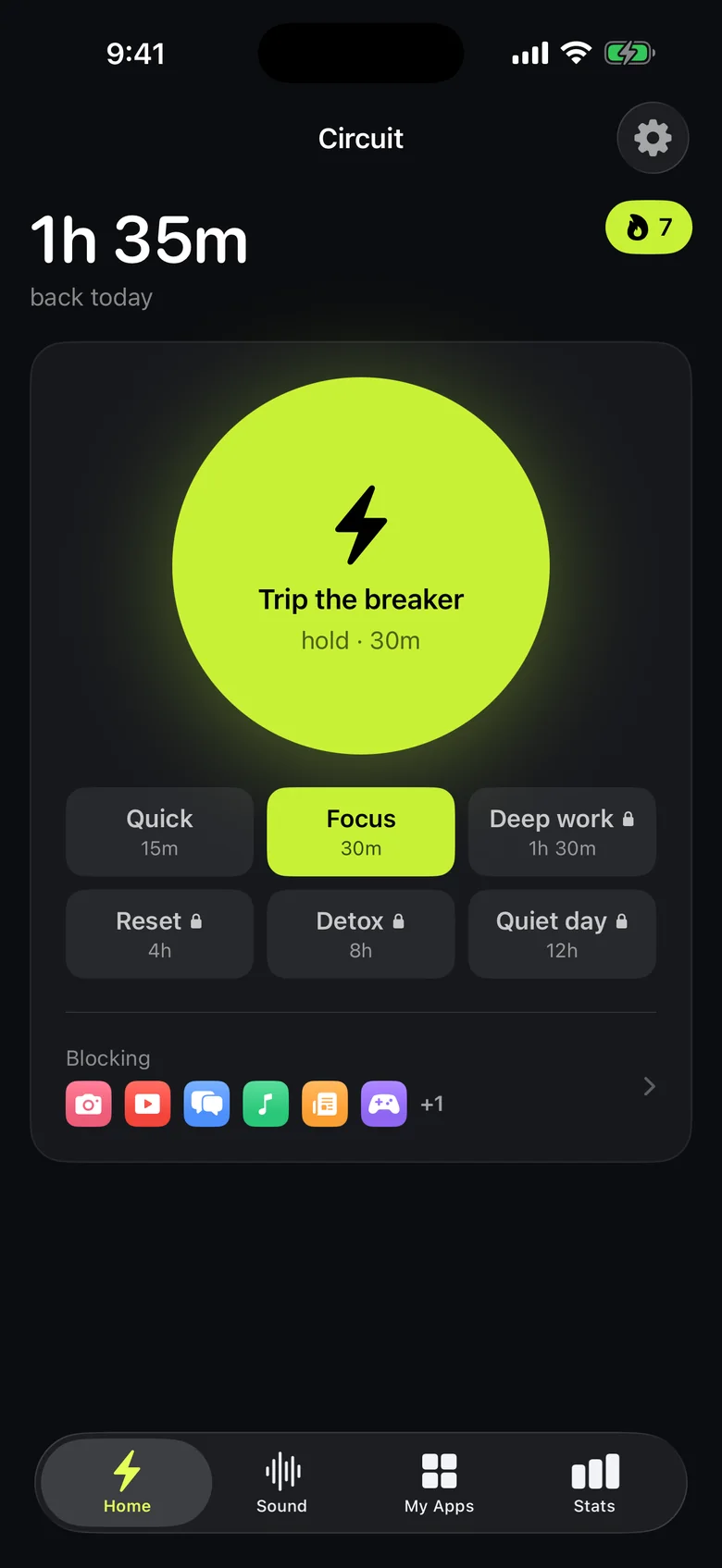
- Give yourself a stopping point. When you notice you're scrolling, hold the Breaker for 15 or 30 minutes. The feed closes and the decision is made for you.
- Turn off notifications from feeds. In iOS Settings → Notifications, for each social app. Most scrolls start with a buzz.
- Move the apps off the Home Screen. Keep them in the App Library. It's a small cost, and small costs are exactly what habits respond to.
Start with the first one: it does the most, and it's free in Circuit — one schedule and blocks up to 30 minutes cost nothing. Get Circuit.
Questions people ask
Why can't I stop doomscrolling?
Feeds are designed without a stopping point: infinite scroll, autoplay and variable rewards mean there is always one more post. Stopping relies on a decision the feed never asks you to make, which is why changing the setup works better than trying harder.
What is the fastest way to stop doomscrolling?
Block the apps you doomscroll in during the hours it happens, usually late evening. A schedule that turns on by itself removes the decision at the moment you are least able to make it.
Ready to trip the breaker?
Free includes one schedule and the Breaker up to 30 minutes.