Short answer: if you like one sec's pause but don't want to pay, use ScreenZen — same idea, free. If the pause isn't enough and you need the app to stay shut for an evening or a work block, you want a hard blocker: Circuit or Opal.
What one sec gets right
one sec (4.8 stars from about 24,000 US ratings) puts a short pause between the tap and the app: breathe, wait a few seconds, then decide whether you still want in. A lot of the time you don't. It is also the only app in this space with its method tested in a peer-reviewed study, published in PNAS in 2023. For the reflex of opening Instagram every time you pick up the phone, it is excellent.
Where it runs out is the evening you've already decided to spend on something else. A pause asks the question again every time, and on a tired night the answer is yes. That's the case for a block that doesn't ask.
The alternatives
| one sec | ScreenZen | Circuit | Opal | |
|---|---|---|---|---|
| Idea | Pause before opening | Pause, limits, open caps | Block on schedule or one tap | Block with rules and sessions |
| Stays shut for a set time | Strict blocks | Lock mode | Yes; Strict Mode has no exit | Yes; Deep Focus |
| Yearly (US) | $19.99 | Free | $59.99 | $99.99 |
| Free version | One app | Everything | One schedule, blocks up to 30 min | One rule |
| Other platforms | Mac, Android, browsers | Mac, Android | iPad | Android, Mac (per site) |
When to switch, and to what
- You like the pause, not the price → ScreenZen. It also lets you cap how many times a day an app can be opened.
- You tap through the pause → a block. Circuit's Breaker blocks your chosen apps for 15, 30, 60 or 90 minutes or a whole day with one hold, from the app, Control Center, a widget or Siri. Schedules like "weekdays 18:00–21:00" run by themselves.
- You want both → Circuit asks for a breath, a wait or a typed sentence before you can end a normal block early, so the friction one sec is good at sits in front of the exit instead of the entrance.
Circuit is ours; the comparison above is as fair as we can make it. For the whole field, see the best app blockers for iPhone in 2026.
Try Circuit free — one schedule and blocks up to 30 minutes cost nothing.
Questions people ask
What does one sec do?
one sec shows a short pause — a breath and a wait — every time you open an app you chose, and asks whether you still want to. It is designed to interrupt habitual opening rather than to block the app outright.
How much does one sec cost?
On the US App Store one sec lists $19.99 a year, $6.99 a month and $99.99 for a lifetime licence, with family plans on top. The free version gives the full intervention for one app.
Is there a free alternative to one sec?
ScreenZen works on the same idea — a pause before an app opens — and is free, with optional tips as its only purchases.
What if I want an app blocked, not just delayed?
Use a hard blocker. Circuit blocks apps on a schedule or with one tap for 15 minutes to a whole day, and its Strict Mode has no early exit. Opal works the same way at a higher price.
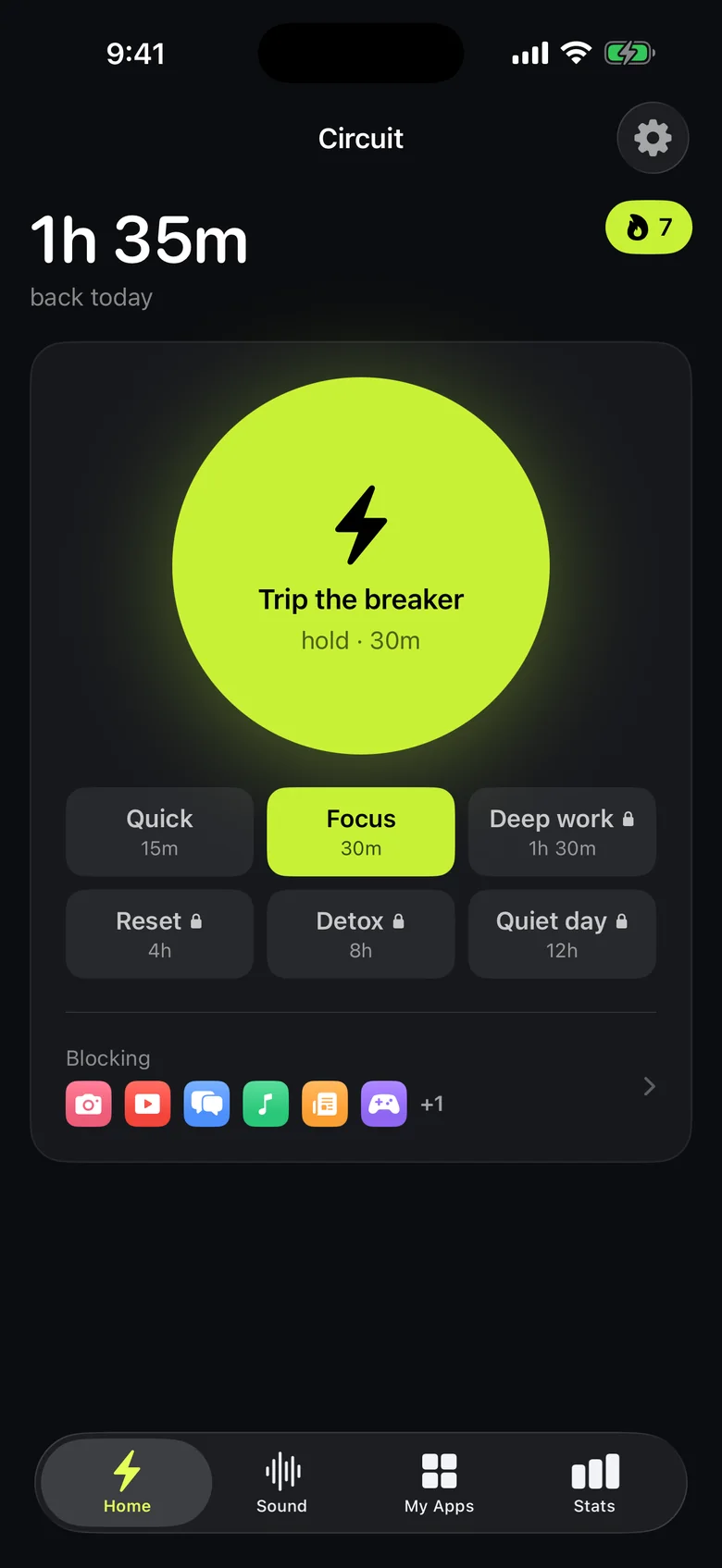
Ready to trip the breaker?
Free includes one schedule and the Breaker up to 30 minutes.