Short answer: the only fully free options are Apple's Screen Time and ScreenZen. Everything else is free up to a point — enough to find out whether blocking works for you, not enough to run your whole week on. Here is where each one stops.
| Free version | Where free stops | Paid from (US) | |
|---|---|---|---|
| Screen Time (Apple) | Everything | Limits can be ignored unless you set a passcode | — |
| ScreenZen | Everything | Nothing; tips are optional | — |
| Circuit | One schedule, blocks up to 30 min, a week of stats | More schedules, longer blocks, Strict Mode, daily limits | $59.99/yr, 7-day trial |
| one sec | The full pause for one app | A second app | $19.99/yr |
| Opal | One rule, basic timers | More rules, Deep Focus | $99.99/yr |
| Freedom | Blocking apps and sites | Schedules, Locked Mode | $39.99/yr |
Screen Time — free, if you close the loophole
App Limits and Downtime cost nothing and are already on your phone. The catch is that a reached limit lets you carry on unless you set a Screen Time passcode and turn on blocking at the end of the limit. Here's how, and where it still leaks.
ScreenZen — free, and a lot of it
ScreenZen (4.9 stars from about 50,000 US ratings) is free with optional tips. It pauses you before an app opens, and adds limits, a cap on opens per day and a lock mode. If you want the most for nothing, it is the answer.
Circuit — a hard block, free to try properly
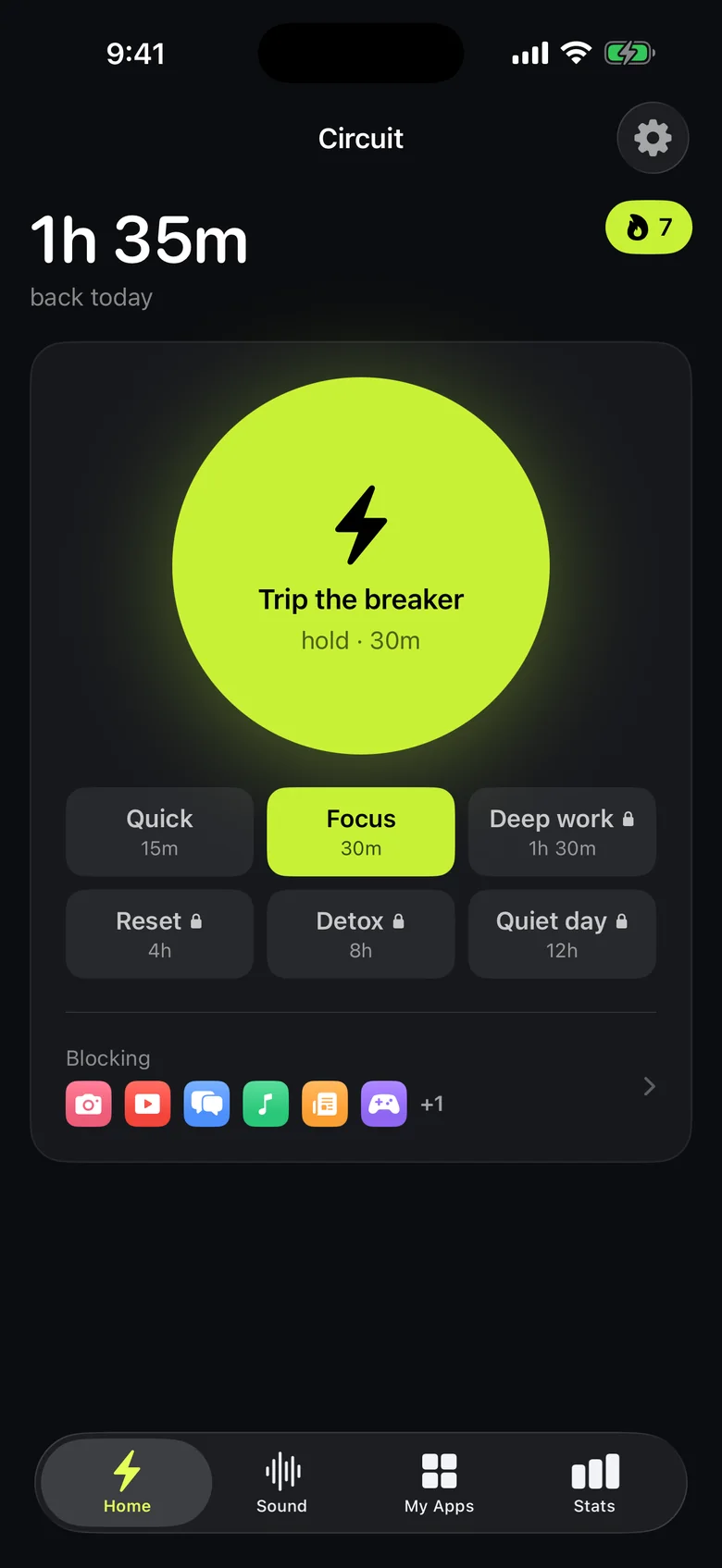
Circuit is ours. Its free version is meant to be usable, not a demo: one schedule that runs by itself ("no social apps after 22:00") and the Breaker, which blocks your chosen apps for up to 30 minutes with one hold. Pro is for when that works and you want more — several schedules, blocks up to a day, and Strict Mode, where a block can't be ended early.
The others
one sec gives its full pause-before-opening for one app free — a good way to test the idea on your worst app. Opal's free tier is one rule and basic timers. Freedom blocks apps and sites for free, with schedules and Locked Mode on the paid plan.
Get Circuit free. For the full comparison, paid features included, see the best app blockers for iPhone in 2026.
Questions people ask
What is the best free app blocker for iPhone?
ScreenZen, if you want everything free: it is paid for by optional tips. Apple's Screen Time is free and built in but can be ignored unless you set a passcode. For a hard block with a free tier, Circuit's free version includes one schedule and blocks of up to 30 minutes.
Can I block apps on iPhone for free without downloading anything?
Yes. Screen Time's App Limits and Downtime are built into iOS. For limits that can't be dismissed, set a Screen Time passcode and turn on blocking at the end of the limit.
What does Circuit's free version include?
One schedule, the Breaker for blocks of up to 30 minutes, and a week of stats. Pro adds unlimited schedules, blocks up to 24 hours, Strict Mode, daily limits and a month of stats, for $59.99 a year with a 7-day free trial.
Ready to trip the breaker?
Free includes one schedule and the Breaker up to 30 minutes.