Short answer: block the app and the website. Block only the YouTube app and the next tap is youtube.com in Safari, which plays the same videos with the same autoplay. Below is how to close both, with Screen Time or with Circuit.
Why YouTube is hard to put down
Autoplay decides what's next before you've decided whether there should be a next. Shorts removes even the pause between videos. "One video" is rarely one, which is why a time budget that you can extend from the screen that enforces it doesn't hold.
With Screen Time (free, built in)
- Settings → Screen Time → App Limits → add YouTube and set a daily time.
- In Content & Privacy Restrictions, under web content, add youtube.com and m.youtube.com to the websites that are never allowed.
- Set a Screen Time passcode and turn on blocking at the end of the limit — without that, the limit screen lets you carry on.
With Circuit
- Open Circuit and pick YouTube in Apple's app picker, then add youtube.com under websites. Circuit gets opaque tokens for what you choose, not the names.
- For right now, hold the Breaker and choose how long. The free version blocks up to 30 minutes; Pro goes to a whole day.
- For every evening, set a schedule — "No YouTube, weekdays 21:00–23:00" — and it runs by itself.
- If you tend to end blocks early, turn on Strict Mode (Pro): the block runs to the end.
Get Circuit and block YouTube for the hours it costs you, not the whole day.
Questions people ask
How do I block YouTube on iPhone?
Block both the YouTube app and the youtube.com website. In Circuit, pick YouTube in Apple's app picker and add youtube.com as a website, then start a block with the Breaker or set a schedule. With Screen Time alone, add an App Limit for YouTube and add youtube.com to the never-allowed websites.
Can I block YouTube Shorts but keep YouTube?
Not with Screen Time or app blockers: iOS blocks whole apps and websites, not sections inside them. The practical option is to block YouTube during the hours Shorts costs you, and allow it the rest of the day.
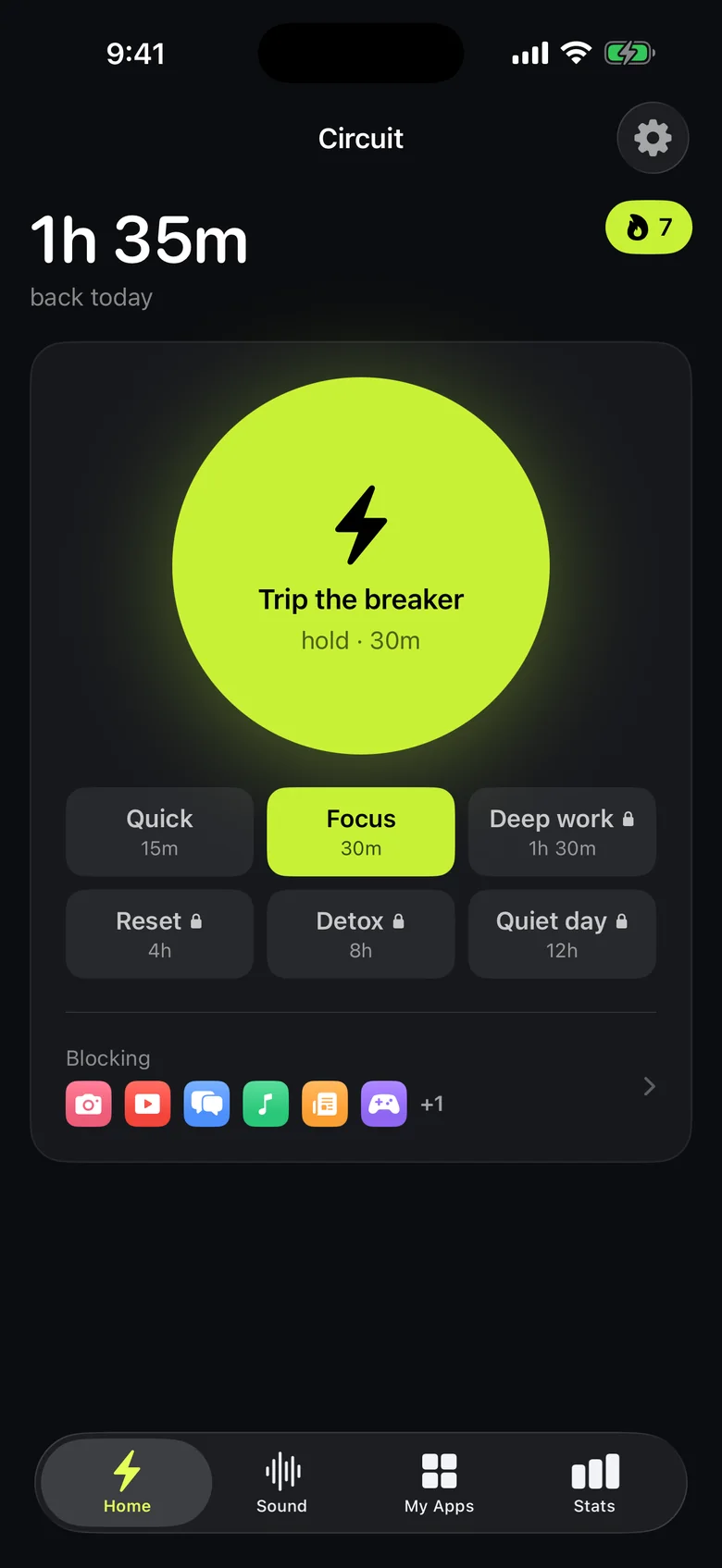
Ready to trip the breaker?
Free includes one schedule and the Breaker up to 30 minutes.