
Short answer: for a site you never want to open, use Screen Time's never-allowed list — it's free and always on. For a site you want only at certain times, use a block that runs on a schedule. And if the site has an app, block that too, or the block just moves you from Safari to the app.
Always blocked: Screen Time's website list
- Settings → Screen Time → Content & Privacy Restrictions, and turn restrictions on.
- Under web content, choose to limit websites and add the site to the list of websites that are never allowed.
- Set a Screen Time passcode, or the list is one visit to Settings away from being undone.
Good for a site you're done with for good. Awkward for one you need for work in the morning and lose evenings to.
Blocked when you choose: Circuit
- In Circuit, open the picker and add the website — news sites, shopping, forums, whatever pulls you in. You can pick apps and app categories in the same selection.
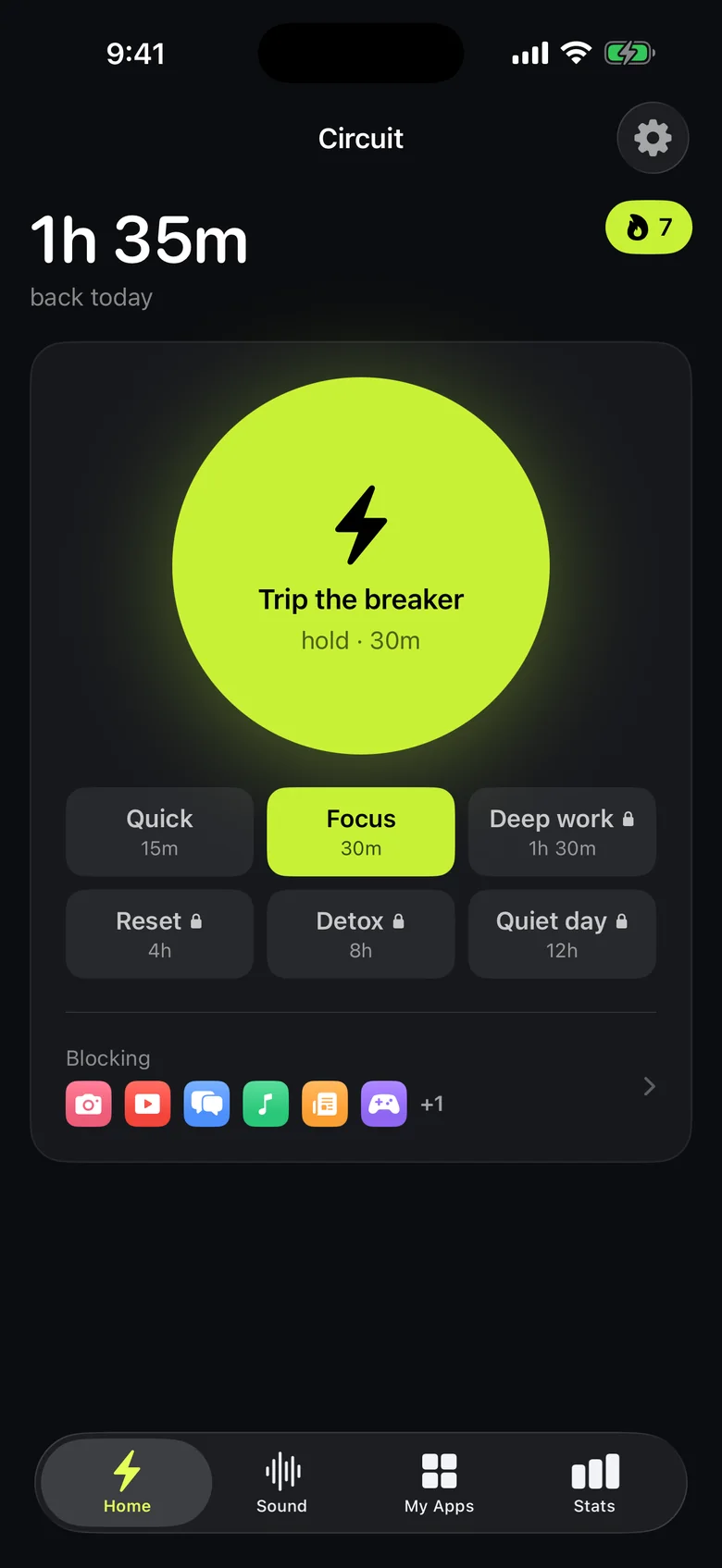
- Put it on a schedule, like "news, weekdays before 12:00", or hold the Breaker to block it right now — up to 30 minutes free, up to a whole day with Pro.
- Blocked sites show Circuit's screen in Safari until the block ends.
Get Circuit and block sites for the hours they cost you.
Questions people ask
How do I block a website on iPhone without an app?
Use Screen Time: Settings → Screen Time → Content & Privacy Restrictions, turn restrictions on, and under web content add the site to the websites that are never allowed. Set a Screen Time passcode so the setting can't be changed on a whim.
Can I block a website only at certain times?
Screen Time's website block is always on. For time-based blocking, use an app blocker: in Circuit, add the website in the picker and put it on a schedule or start a block with the Breaker.
Does blocking a website block its app too?
No. Websites and apps are blocked separately on iPhone, so to block a service like YouTube or Reddit fully, block both the app and its website.
Ready to trip the breaker?
Free includes one schedule and the Breaker up to 30 minutes.