
Short answer: block Snapchat for the hours it takes over, not all day. Streaks need one Snap a day, so a block on evenings or school hours keeps them alive while taking back the time; a block on whole days ends them. Decide which you want before you start.
Streaks are the hook
A streak turns a day away from Snapchat into a loss you can count. That's the design: you open the app to protect the number, and stay for the Stories. Being honest about that makes the block easier to keep — you're choosing between a number and your evening, not failing at willpower.
With Circuit
- Pick Snapchat in Apple's app picker.
- Set a schedule for the problem hours — "Snapchat, school days 08:00–15:00" or "every night 22:00–07:00". Streaks survive, because the rest of the day is open.
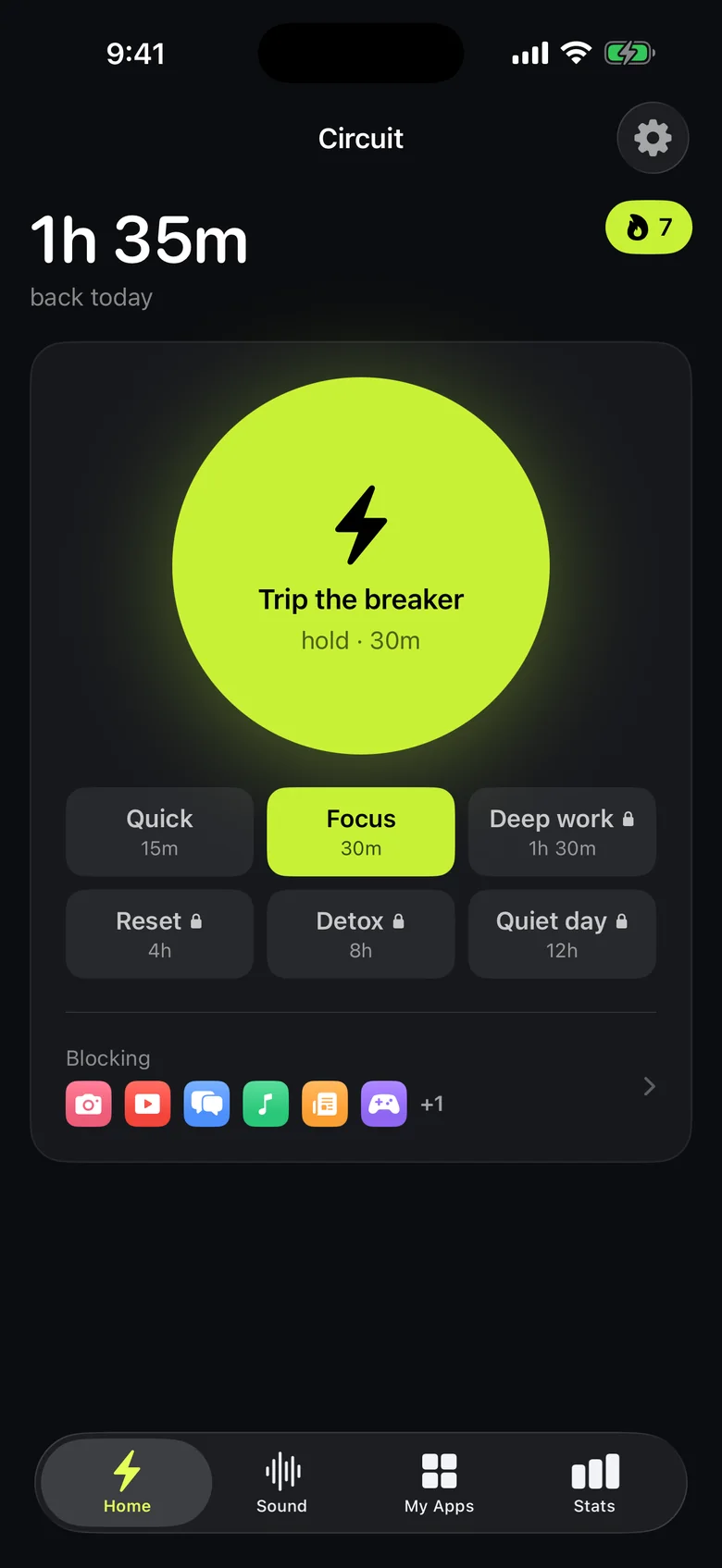
- For a sudden hour of scrolling Stories, hold the Breaker — up to 30 minutes free, longer with Pro.
- Turn Snapchat's notifications off in iOS Settings for those hours too, so the block isn't a wall you keep walking into.
With Screen Time
Downtime can block Snapchat on a schedule for free. Add it to the blocked apps, turn on blocking during Downtime, and set a Screen Time passcode, or the block can be waved away.
Get Circuit and give Snapchat hours instead of the whole day.
Questions people ask
Will blocking Snapchat break my streaks?
It can. A streak needs a Snap each day, and while Snapchat is blocked you can't send one. A block for a few hours a day, like evenings or school hours, leaves time to keep streaks going; a block for whole days will end them.
Do I still get Snapchat notifications while it's blocked?
iOS blocking stops the app from opening. Notifications are controlled separately, in Settings → Notifications → Snapchat, and turning them off for the blocked hours removes the pull to check.
Ready to trip the breaker?
Free includes one schedule and the Breaker up to 30 minutes.