
Short answer: block the Reddit app and reddit.com together, on a schedule for the hours Reddit takes over. Blocking the app alone just moves you to the browser, where old.reddit.com and the mobile site are one search away.
Why "one more thread" never is
Reddit doesn't end. Every thread links to three more, comments are sorted to keep you reading, and the front page refreshes while you're on it. There is no natural stopping point, so the stop has to come from outside.
With Circuit
- Pick Reddit in Apple's app picker, and add reddit.com under websites.
- Set a schedule for the hours it hurts — for many people that's work hours and the hour before bed: "Reddit, weekdays 09:00–17:00". It turns on and off by itself.
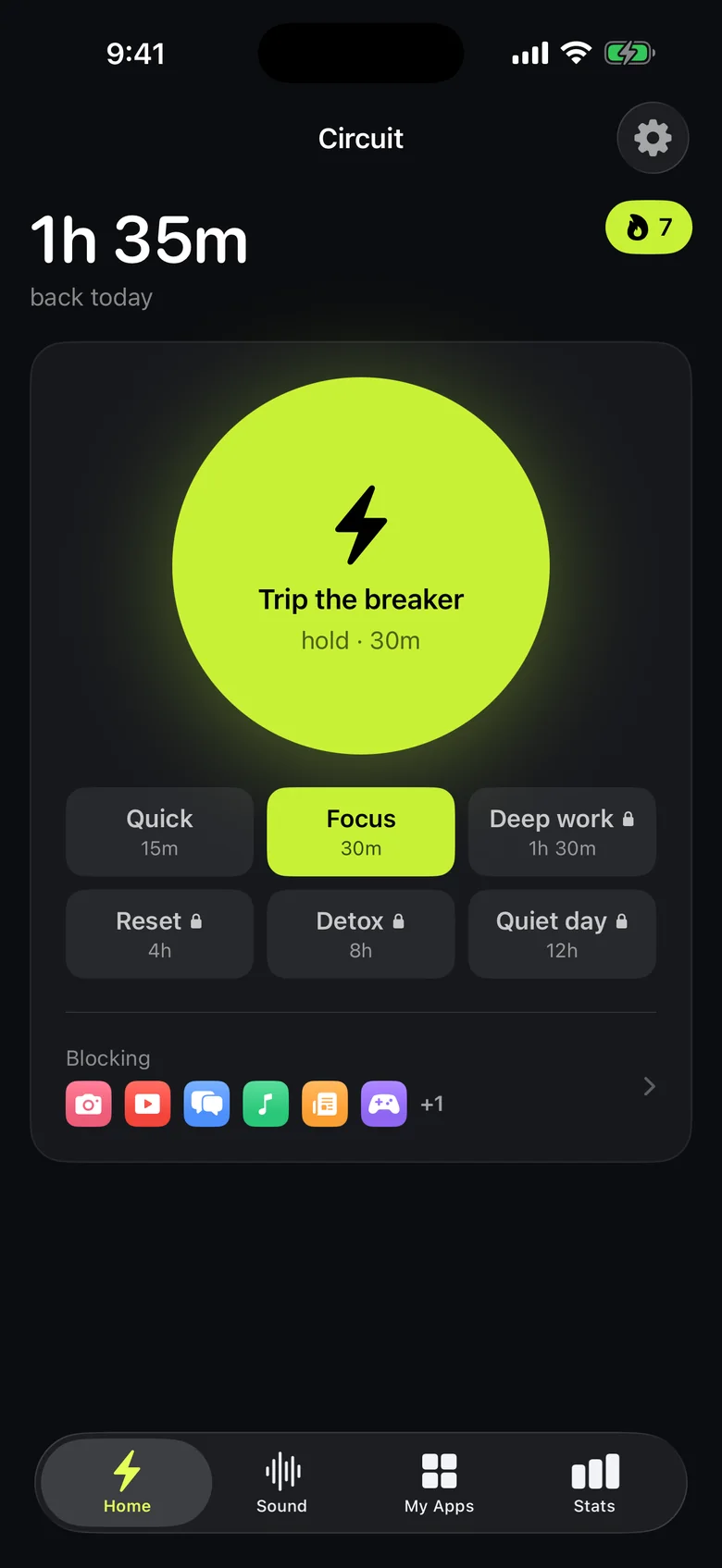
- When you catch yourself mid-scroll outside those hours, hold the Breaker for an immediate block. Free blocks go up to 30 minutes, Pro to a whole day.
- Want a daily allowance instead of hours? Pro's daily limits give Reddit a budget, say 20 minutes, and block it once it's spent until midnight.
With Screen Time only
Add an App Limit for Reddit, add reddit.com to the never-allowed websites under Content & Privacy Restrictions, and set a Screen Time passcode with blocking at the end of the limit. It works best when someone else knows the passcode.
Get Circuit — one schedule is free, which is enough to take Reddit out of your working day.
Questions people ask
How do I block Reddit on iPhone?
Block the Reddit app and the reddit.com website together. In Circuit, pick Reddit in the app picker, add reddit.com as a website, and start a block or set a schedule. With Screen Time, set an App Limit for Reddit and add reddit.com to the never-allowed websites, with a passcode so the limit can't be dismissed.
Can I block only certain subreddits?
Not with iOS app blocking, which works on whole apps and whole websites. If only a few subreddits are the problem, blocking Reddit during your worst hours and allowing it otherwise is the closest option.
Ready to trip the breaker?
Free includes one schedule and the Breaker up to 30 minutes.