Short answer: block the Games category, not individual games. Apple's app picker lets you select a whole category, and it covers every game on the phone — including the one you'll install tomorrow to get around the block.
Why one game at a time doesn't work
Block one game and there's another on the next screen. Delete them and the App Store is a tap away. A category block ends that loop: new games land inside the block the moment they install.
With Circuit
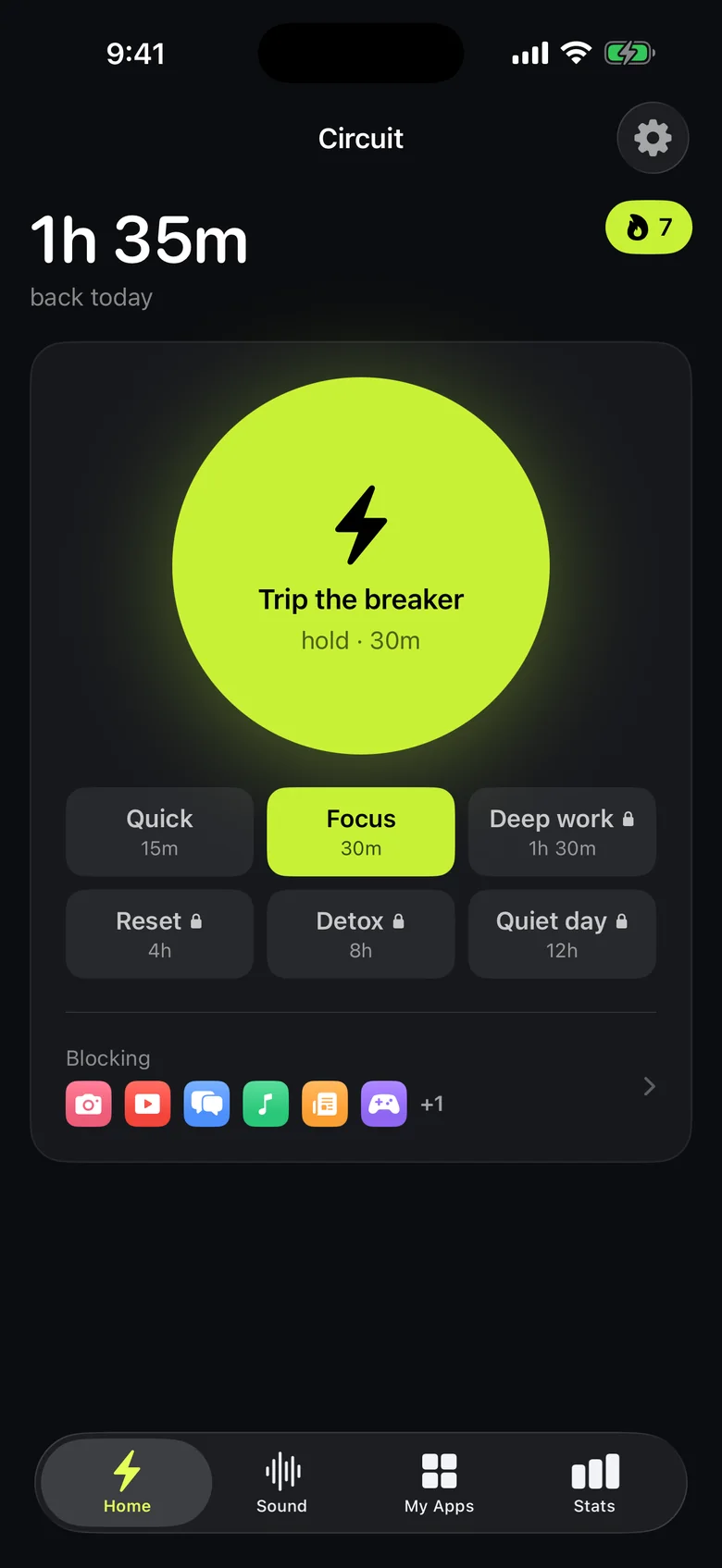
- Open Circuit, open the app picker and select the Games category rather than individual apps.
- Set a schedule for when games are off — "weeknights after 21:00", or "weekdays until homework is done" as fixed hours.
- To stop a session that's running long, hold the Breaker. Free blocks go up to 30 minutes, Pro up to a whole day.
- Prefer a budget to a curfew? Pro's daily limits let you give one game an allowance that resets at midnight.
With Screen Time
Settings → Screen Time → App Limits → select the Games category and set a daily time. Add a Screen Time passcode and turn on blocking at the end of the limit so it can't be ignored.
Circuit is built for managing your own phone. For a child's iPhone, Apple's Screen Time through Family Sharing is the tool designed for a parent to control it.
Get Circuit and put every game behind one block.
Questions people ask
How do I block all games on iPhone at once?
Choose the Games category instead of individual apps. In Circuit and in Screen Time's App Limits, Apple's picker lets you select the whole Games category, which covers every game on the phone, including ones installed later.
Does blocking the Games category cover Apple Arcade?
Apple Arcade games are listed in the App Store's Games category, so selecting the category should cover them. If one slips through, add it to the block individually.
Ready to trip the breaker?
Free includes one schedule and the Breaker up to 30 minutes.