Short answer: Focus mode quiets notifications; it doesn't stop an app from opening. To keep an app shut you need a block built on Screen Time, and the two work best together: Focus for what reaches you, a block for what you reach for.
What Focus does well
- Chooses which people and apps can notify you — Work, Sleep, Personal, or one you make.
- Shows only the Home Screen pages you pick, so the distracting icons aren't in front of you.
- Turns on by itself at a time, at a place, or when you open a given app, and shares your status in Messages.
Where it stops
A hidden Home Screen page isn't a locked door. The app is one search away, in the App Library, or a Siri request away, and it opens normally. Focus changes what the phone pushes at you, not what you can pull. For the apps you open out of habit — the ones that cost the most — that's the half that matters.
Pair Focus with a block
- Keep your Focus for notifications. Nothing changes there.
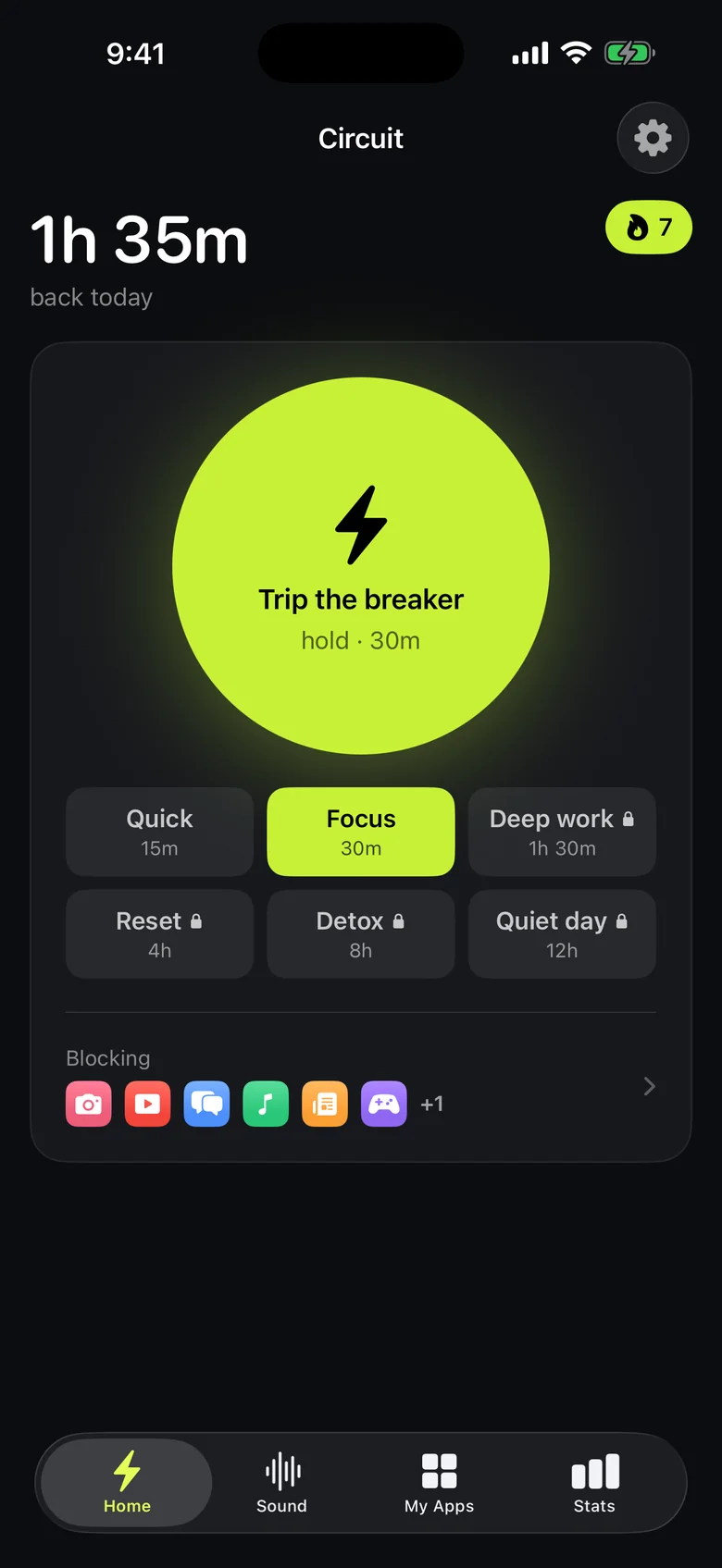
- Block the apps with Circuit. Pick them once; Circuit shields them through Screen Time, so tapping one shows a shield instead of the app. It can't even see which apps you chose.
- Match the hours. Either give Circuit a schedule with the same hours as your Focus — Work, weekdays 9:00–17:00 — or have the block start with the Focus: in Shortcuts, create a personal automation for when your Focus turns on and add Circuit's Trip the breaker action.
- For the moments in between, hold the Breaker for 15 or 30 minutes, from the app, a widget or Control Center.
Ending a block early asks for a breath, a wait or a typed sentence first; Strict Mode (Pro) doesn't allow it at all. That's the difference from Screen Time's own limits, which step aside with one tap.
Get Circuit — one schedule and blocks up to 30 minutes are free.
Questions people ask
Does Focus mode block apps on iPhone?
No. Focus decides which notifications reach you and which Home Screen pages you see. Every app still opens from the App Library, Search or Siri.
What's the difference between Focus and Screen Time?
Focus filters notifications. Screen Time can limit or block apps, but its App Limits come with an "Ignore Limit" button, so they're easy to wave through. Apps like Circuit are built on Screen Time and put the friction on ending a block instead.
Can Circuit turn on when a Focus turns on?
Yes, with Shortcuts. Make a personal automation that runs when your Focus turns on, and add Circuit's Trip the breaker action with the minutes you want.
Do I still need Focus if I use an app blocker?
They do different jobs. Keep Focus for notifications from people and work apps; use the block for the apps you can't stop opening.
Ready to trip the breaker?
Free includes one schedule and the Breaker up to 30 minutes.